For businesses that have outgrown spreadsheets, chats, and disconnected tools

Custom CRM and ERP systems that match how your business actually works

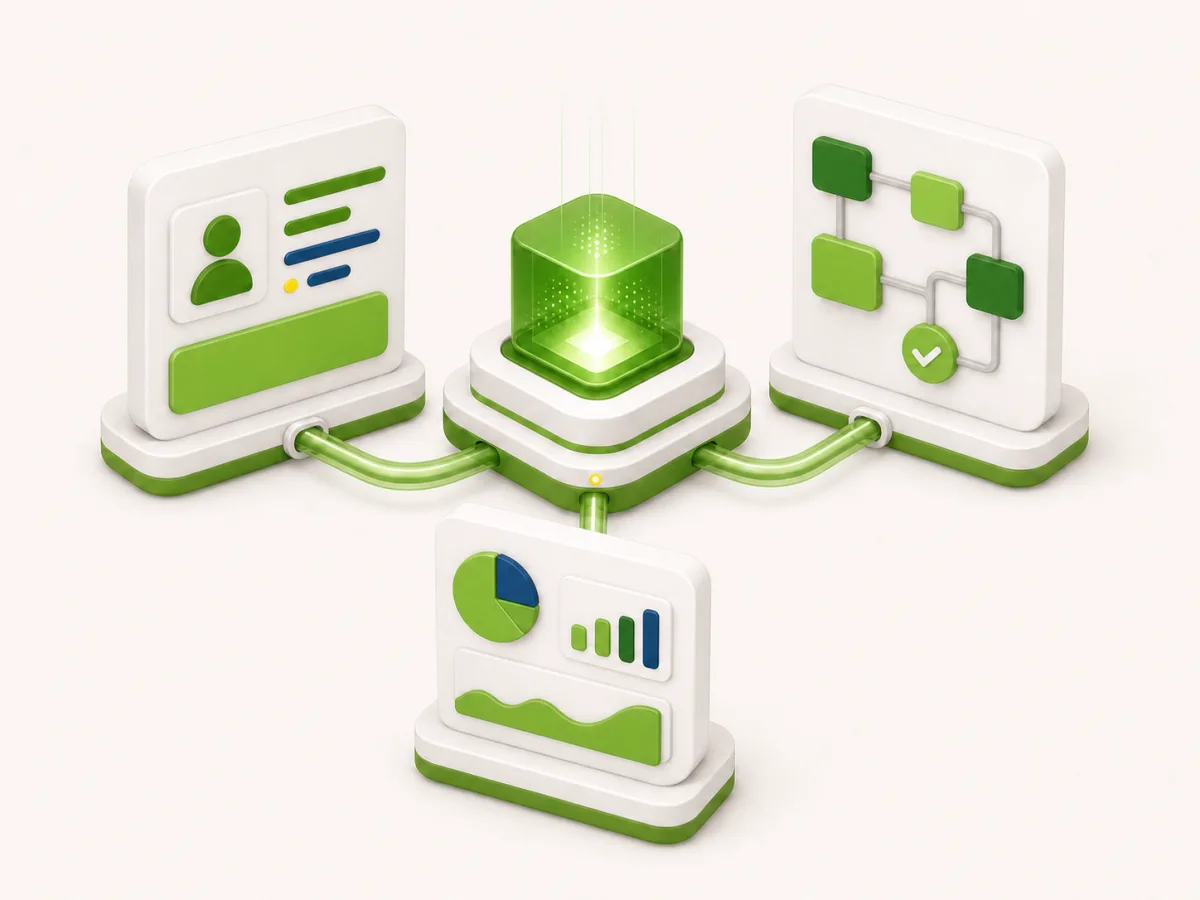
We build practical internal systems for small businesses: client records, bookings, staff workflows, payments, inventory, analytics, and daily operations in one controlled platform.

This format is for companies that need a real operating system around their business, not another generic SaaS subscription with workarounds everywhere.
Scope and budget are defined after a short process review: what needs to be automated first, what can stay manual, and which version should be launched first.
C
CRMclients, requests, statuses, history, and follow-up logic
O
Operationsbookings, staff tasks, schedules, stock, payments, and documents
R
Reportsdashboards, exports, owner visibility, and key business metrics

What can be automated

start with the work that creates the most friction today

CRM

Customer flow

Lead intake, customer profiles, booking history, statuses, follow-ups, loyalty, and repeat-sale scenarios.

Operations

Internal work

Schedules, service delivery, staff tasks, inventory, equipment, approvals, notifications, and daily checklists.

Management

Business control

Dashboards, exports, payments, finance signals, owner reports, role-based access, and integration with external tools.

When a custom system is better than patching tools together

the goal is not more software, but less operational drag

Approach comparison
The system should follow the business process

Scattered tools and manual control

  • ×Leads, customers, bookings, and payments live in separate places
  • ×Managers spend time reconciling data instead of serving customers
  • ×Owners see problems late because there is no live operating picture
  • ×Every new location, service, or employee adds more manual work

Custom business automation

  • Core workflows are connected in one system around real business logic
  • The first version focuses on the process that saves the most time or money
  • Managers and owners get clean visibility without extra reporting work
  • The platform can grow with new modules, roles, integrations, and locations

How we build it

from process review to a working first version

1

Map the real workflow

Clarify how requests, customers, staff, payments, and operations move today, including where work gets duplicated or lost.

2

Choose the first automation contour

Define the smallest useful version: CRM, booking flow, staff workspace, reporting layer, or another high-impact process.

3

Build the system around roles

Create the right interfaces for owners, managers, staff, and partners so each person sees only what they need to act on.

4

Launch, learn, and extend

Start with a practical working version, then add integrations, automation rules, dashboards, and deeper ERP-style modules.

First-party example

FlyGuru as the type of platform this work supports

FlyGuru is not just a public website. It needs an operating layer around lessons, rentals, customers, locations, staff, equipment, sales, partner growth, and management visibility.

That kind of business requires more than a standard CRM: it needs a custom system that connects customer flow, service delivery, operational control, and future growth infrastructure.

Open FlyGuru
Best fit

For service businesses with moving parts

  • 01
    Bookings and appointments
    lessons, visits, rentals, consultations, events, and recurring services
  • 02
    Staff and partner operations
    roles, tasks, permissions, locations, commissions, and service quality
  • 03
    Sales and customer retention
    leads, offers, payments, follow-ups, reminders, and repeat purchases

FAQ

short and practical

Is this a CRM or an ERP?

It can be either, or a practical hybrid. Many small businesses need CRM functions plus ERP-style workflows for bookings, staff, stock, payments, and reporting.

Can we start small?

Yes. The first version should usually cover one critical contour, such as leads and bookings, then expand into operations, reporting, inventory, or integrations.

Will it replace all existing tools?

Not necessarily. Some tools can stay. The point is to remove the operational gaps and connect the parts that currently create repeated manual work.

How is budget defined?

Scope and budget are defined after a short process review. The key question is which workflow should be automated first and what belongs outside the first version.

Can AI be used inside the system?

Yes, when it is useful: lead classification, summaries, manager prompts, report preparation, content assistance, or internal automation. It should support the process, not replace the business logic.

Need a custom CRM or operational system?

Describe how the business works today and where manual work, lost data, or disconnected tools create the most friction.

We will use that to understand the first automation contour and the most practical next step.