
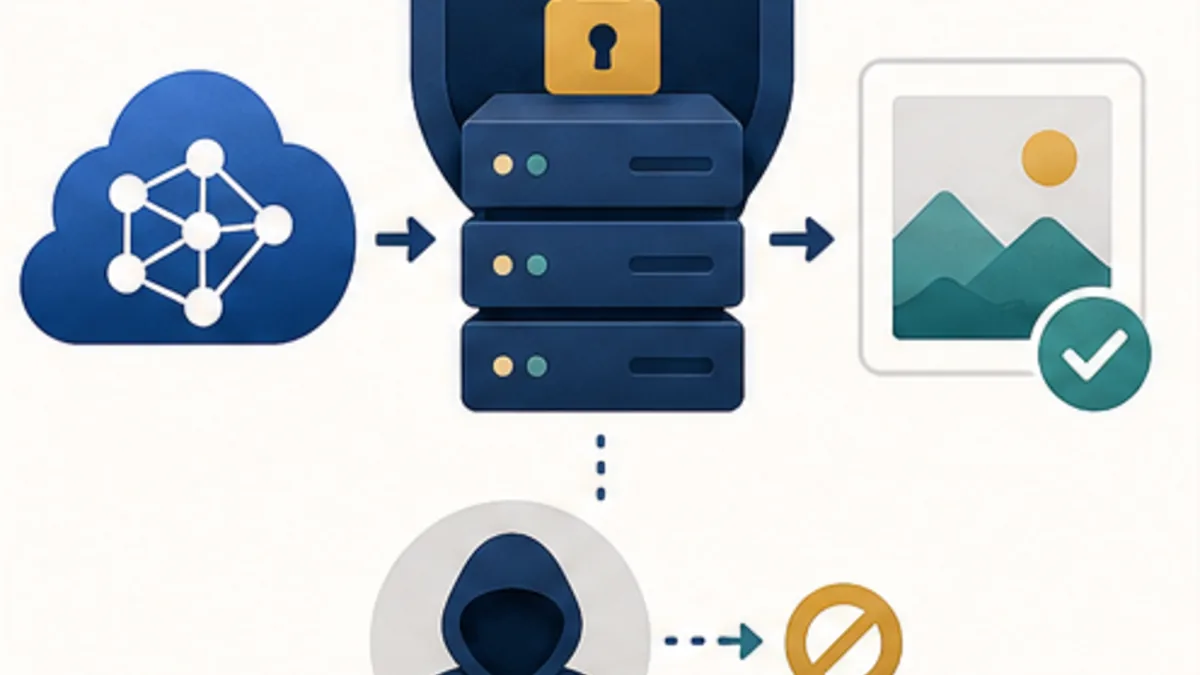
This case study focuses on the architecture and product decisions behind an interactive platform with many activities: how access, scoring, content, AI integration, and support stayed manageable as one system.
The product centred on one account that could work with several separate participant profiles. Each profile had its own age context, available activities, progress, point history, and ranking position. For the user, it was one clear journey. For the business, it was a complete digital product with rules, scheduling, and operations.
What the project included
The platform brought several connected product and operational areas together, so it was designed around one user and content lifecycle rather than a collection of unrelated pages.
- Profiles and access. One main account, several participant profiles, context switching, and permissions based on the active profile.
- Themed zones. Games, quizzes, tests, matching tasks, creative activities, and joint activities. Each activity had its own completion rules, result, and scoring.
- Progress and motivation. A content calendar, attempt history, accumulated points, and ranking. Points were recorded as transactions, so the history could be explained and audited instead of showing only one mutable number.
- Materials and events. Separate parent-oriented materials and online sessions with their own schedules, registrations, and statuses.
- Administrative operations. Content, users, schedules, support, and exports were managed from an operational contour instead of by editing the database manually.
How product and technical responsibility were split
React handled the live interaction: quick state changes, game interfaces, tests, and visual feedback stayed responsive. Laravel remained the source of truth for authentication, availability, attempts, results, points, rankings, and the API.
This boundary protects business rules from client-side manipulation. The interface can show the next step immediately, but the server makes the final decision about access, result, and scoring. That matters when content opens on a calendar, an attempt cannot be repeated, or scoring rules change during a season.
The shared user journey
- Sign-in and profile selection. The user authenticates through the main account and selects a participant profile. The server returns only the allowed context: age group, available zones, and current progress, so switching profiles does not require a second registration.
- Available activities. The platform checks the content calendar, season rules, age restrictions, and attempt history. A locked activity therefore stays hidden until it opens, and a completed task cannot be started again by an accidental click.
- Completing a mechanic. React owns the live state of a game, quiz, test, or creative task: steps, timers, hints, and immediate feedback. The client can make the interface feel instant, but Laravel remains the authority for answers, rules, and the final check.
- Saving the result. Once the task is complete, the client sends the activity identifier, profile, and attempt data to the API. The server rechecks availability and idempotency, stores the result, creates a point transaction, and updates progress without awarding points twice.
- Operations and support. Administrators can see content, user, attempt, and event states in a separate operational contour. That makes it possible to investigate a disputed result, open the next scheduled material, or prepare an export without editing internal tables.
What the activities looked like

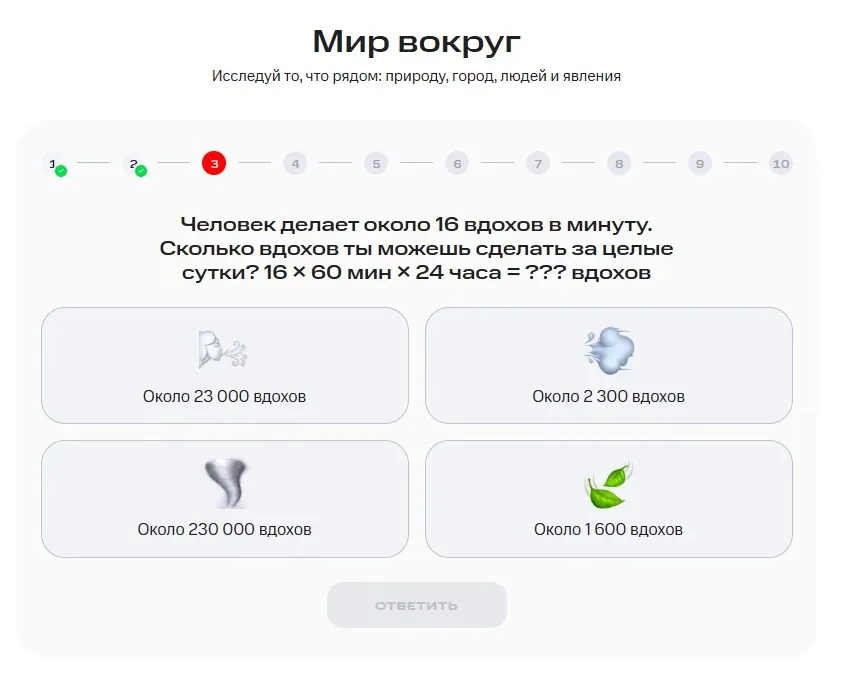
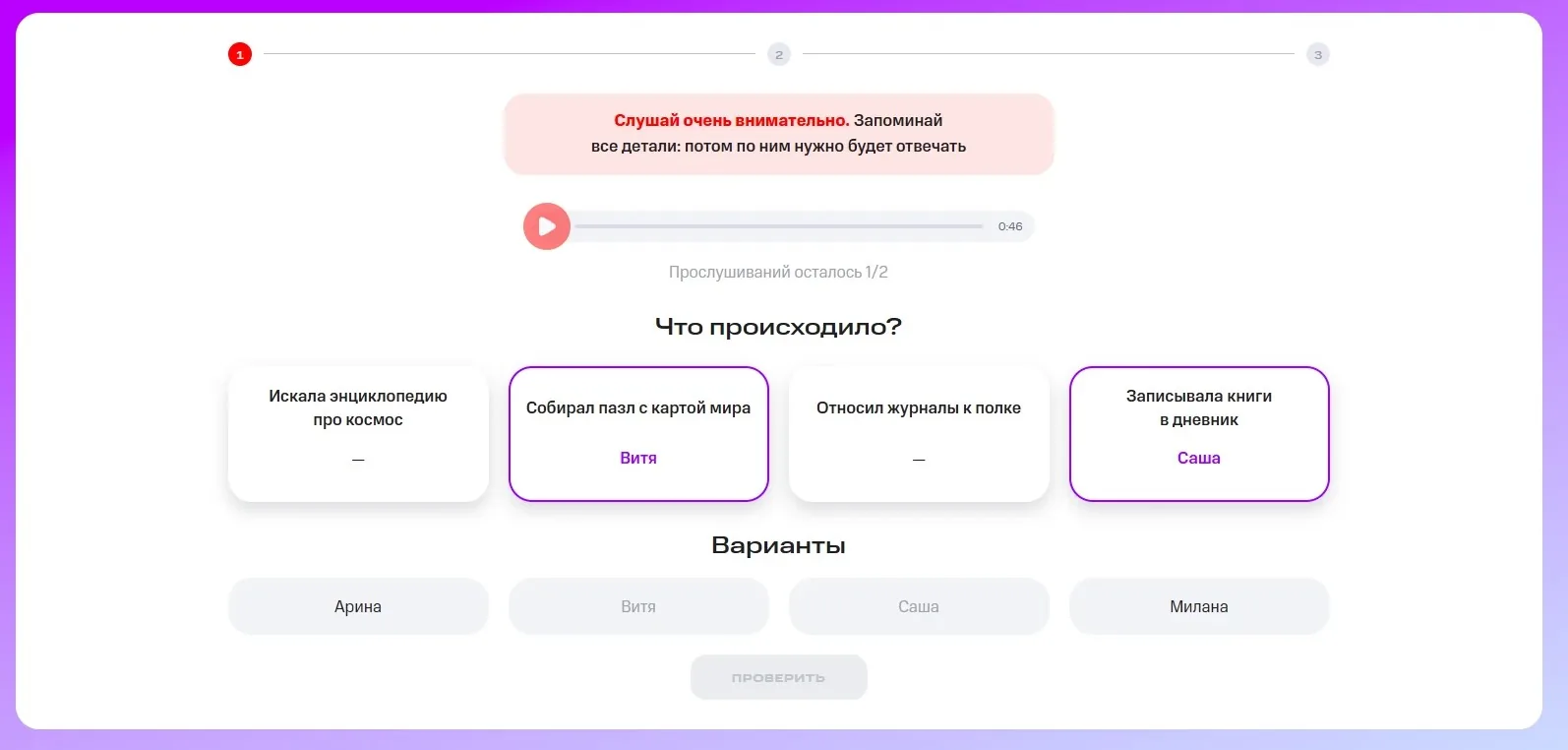
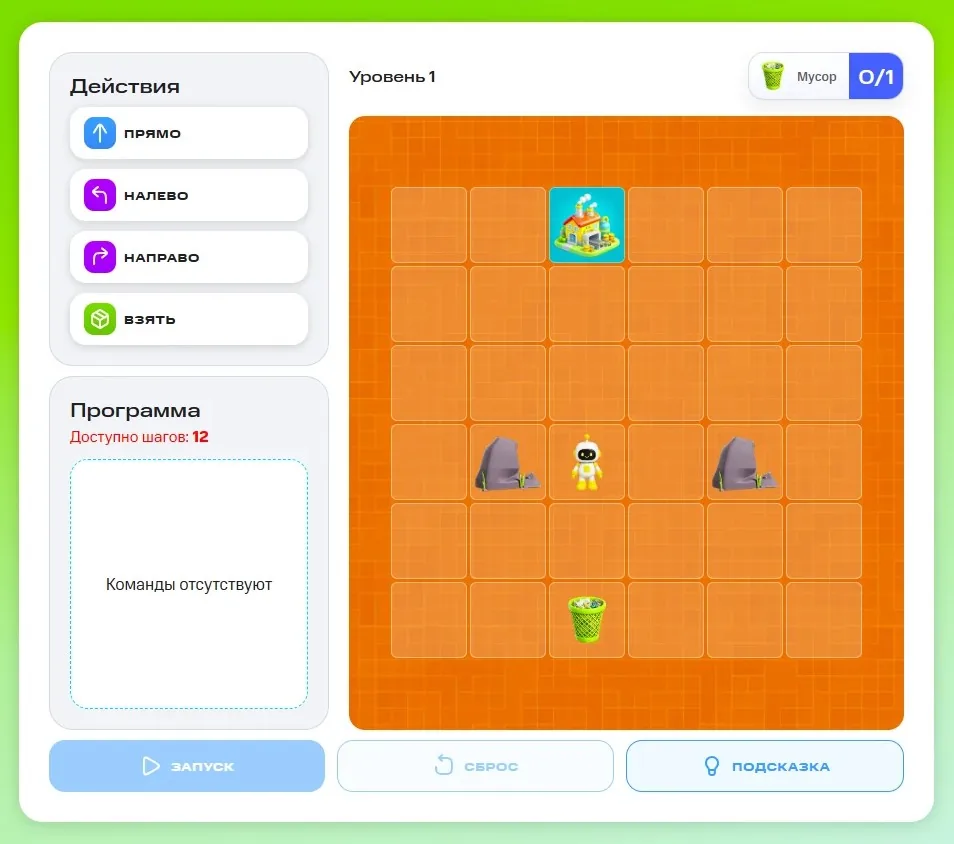
A focused technical episode: AI image generation inside the product
One activity added image generation: a user selected a server-defined base, uploaded their own illustration, and received a result tied to their progress. The interface was simple, but behind it was a full asynchronous production flow.
- Laravel validates input. The backend confirms permission, the selected base, and the image format. The prompt and other critical parameters remain server-side.
- The image is normalised. The file is converted to a predictable format and size before it reaches the external service.
- A generation record is created. The API quickly returns an operation identifier instead of keeping the browser open while the model works.
- Queue and polling. A worker performs the call while the interface polls only a safe status: pending, processing, success, or failure.
- The result returns to the platform. The final file is stored through the main file layer and linked to the right profile and activity.

Why a narrow secure proxy was the right boundary
The main application owns users, rules, queues, storage, and progress. We moved the OpenAI Image Edits call into a separate no-store proxy. It accepts one known signed server-to-server request with two images and server-owned settings, calls the provider, and returns a standardised result. For another product, choose the provider by the required operations, result quality, and data rules; the OpenAI API alternatives comparison explains the differences between direct APIs, gateways, and specialised services.
- the key and prompt never reach the browser;
- only signed requests with replay protection are accepted between services;
- both images are validated before the provider is contacted;
- source and result files are not retained in permanent proxy storage;
- Laravel receives a safe JSON contract instead of a raw external response body.
The AI feature therefore remains part of the platform: the user sees a clear outcome and updated progress, while the team gets an observable process, defined responsibility boundaries, and controlled costs.
What makes the platform resilient
The important checks happen at the seams: a profile can be switched in another tab, an activity can close while it is open, a result can arrive twice, or a schedule can change availability. The server rechecks context, operations are idempotent, and points are written as an event history.
For the AI flow, queue, application, and proxy timeouts are aligned, readiness is separate from a basic availability check, and diagnostics keep only safe data: operation identifier, duration, HTTP status, and error code.
The business result
Instead of a collection of temporary mechanics, the team received a managed platform: profiles and permissions, content zones, progress and rankings, events, and administrative tools. The AI activity strengthened the experience without breaking the shared data and process model.
This approach fits educational and family platforms, engagement programmes, interactive specials, clubs, and services with many user scenarios. When a project must launch quickly and remain calm to operate, the architecture should be built around business rules and the user lifecycle, not around one flashy feature.
Read more about why AI accelerates delivery only under engineering control in When AI Development Really Speeds Up a Project.
Practical decision checklist
- Validate and normalise input on the server.
- Keep provider secrets outside the client.
- Define limits, timeouts, and error states.
- Return only the result the product is allowed to expose.
Sources and methodology
The following references support the facts and technical details in this article:
Need an interactive platform with AI features and clear rules?
We can design the product end to end: profiles, activities, progress, admin operations, and secure AI integrations.
Explore AI-Driven Development