
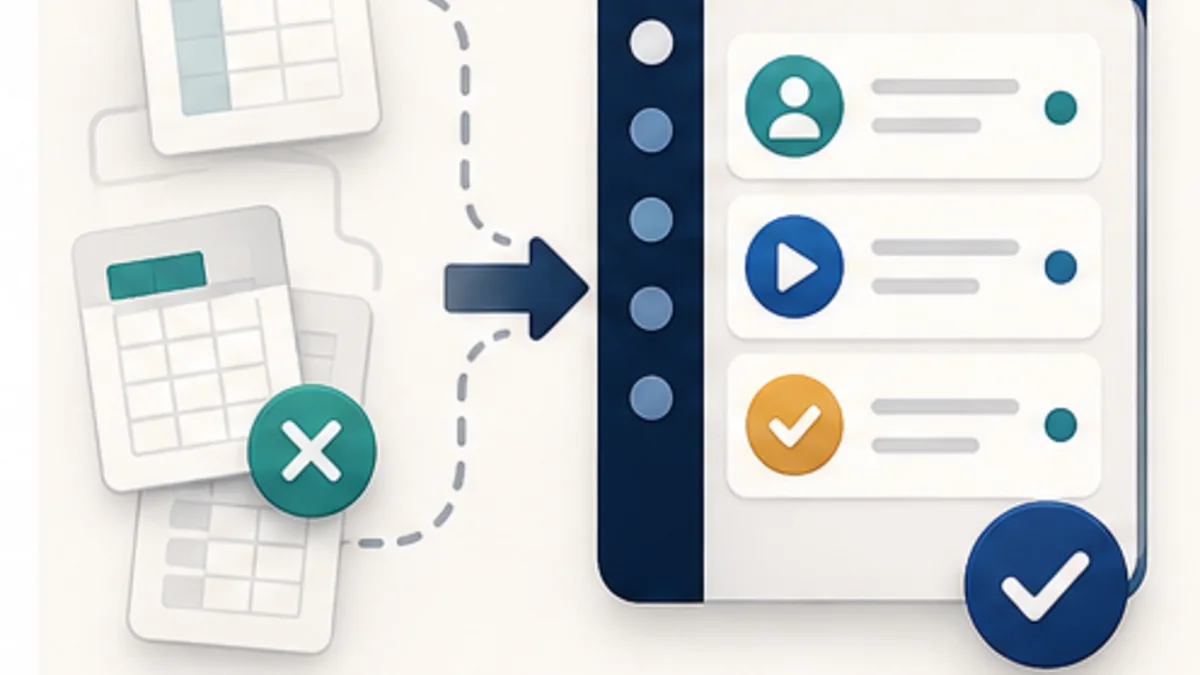
Small businesses usually start with simple tools: spreadsheets, messengers, notes, calendars, bank exports, and separate lead forms. At the beginning this is normal. The problem appears when there are more requests, customer history matters, staff members work differently, and the owner cannot see the real picture without manual reconciliation. These signs help establish when a business should move from spreadsheets to CRM or ERP before choosing an implementation approach.
At that point the choice may look binary: use a large ready-made platform or pay for expensive custom development. But there is a more practical path between those extremes: a focused custom CRM/ERP first version built around a real process and a controlled budget.
Why small business often does not need a large ERP
A large ERP system is designed for complex rules, many departments, long approval chains, and heavy data structures. A small business usually has a different goal: stop losing requests, time, and operational control.
For a solo operator, small studio, school, rental service, local service network, or small team, the first version may only need to cover one or two core workflows:
- lead intake and request handling;
- customer profiles and contact history;
- appointments, bookings, or schedules;
- statuses for orders, visits, or services;
- simple payment and finance marks;
- inventory, equipment, or stock levels;
- owner reports and operational visibility.
If the first version solves a concrete operational pain, it can already be useful without dozens of modules.
What makes a custom CRM or ERP more affordable
The cost of custom automation grows because of scope, uncertainty, and the desire to digitize everything at once. A more affordable approach starts by limiting the first version.
Several principles help keep the budget under control:
- start with one workflow - for example, requests and bookings, not the entire company;
- do not copy spreadsheet chaos - simplify the process before turning it into an interface;
- leave rare actions manual - not every edge case has to be automated in version one;
- use ready integrations - payments, notifications, forms, and exports can be connected where it makes sense;
- avoid complex roles too early - owner, manager, and staff views often cover the first release;
- use AI-assisted development - AI can speed up typical parts, while quality still stays under specialist control.
This does not mean building cheaply at any cost. It means building rationally: less unnecessary scope, less uncertainty, and more focus on business value.
When a ready-made CRM is enough, and when it starts to block you
A standard CRM can be a good choice when the process is standard: leads, sales pipeline, manager tasks, and basic reports. There is no need to build custom software where an existing tool solves 80% of the problem without awkward workarounds.
Custom automation becomes more reasonable when:
- sales, bookings, and service delivery need to work together;
- the business has specific statuses, schedules, roles, or rules;
- staff have to duplicate data across several tools;
- the CRM does not understand inventory, equipment, locations, or partners;
- the owner needs reports based on the real operating logic, not only deal stages.
The practical signal is simple: if the team constantly works around the CRM, the problem may be the tool, not the discipline.
What a first version can look like
A first custom CRM/ERP version for small business does not have to be large. For a service company it may include:
- a customer profile with interaction history;
- a form for creating a request or booking;
- statuses such as new request, confirmed, paid, completed, follow-up;
- a simple schedule for staff or resources;
- notifications for the customer and manager;
- reports on requests, payments, and workload;
- access roles for the owner and team.
That is already more useful than a spreadsheet, but still far lighter than a full enterprise ERP. It can quickly show whether automation reduces manual work and gives the owner more control. Once the core data and statuses are organised, consider useful AI features inside CRM and ERP such as request classification, customer summaries, and report preparation.
Who this is especially useful for
Affordable custom automation is especially useful where there is repeated customer flow and operational detail. For example:
- lessons, appointments, consultations, and training;
- rental of equipment, vehicles, spaces, or inventory;
- service businesses with visits, shifts, or schedules;
- small networks of locations;
- solo operators with repeat customers and recurring sales;
- service businesses where a public site, customers, bookings, locations, staff, and an operating platform all need to connect.
In these businesses, manual work quietly consumes owner time. Automation brings control back not through “digital transformation” as a slogan, but through a clearer system of actions.
Practical conclusion
A custom CRM or ERP for small business should not start as a huge project. A more rational path is to choose the process that currently slows the business down the most and build the first system version around it.
This makes quality development more affordable: focused first scope, AI-assisted acceleration, and specialist control. The goal is not to automate everything at once, but to build a system that removes a concrete manual burden from the first stage.
Before commissioning a first version, compare it with configuring an existing product and adding a limited integration. The ready-made versus custom CRM guide helps test essential rules and costs over the same period. The decision may be a small module rather than replacing the entire system.
If the first workflow is customer booking through Telegram, specify both directions of the exchange. The Telegram booking and CRM integration guide explains how confirmation, staff rescheduling and repeated requests should use the same reservation.
Practical decision checklist
- Choose one end-to-end workflow.
- Define roles, statuses, exceptions, and reports.
- Import only data required for the first stage.
- Review adoption before adding modules.
Need a custom CRM or ERP without unnecessary scope?
We can help review your processes, define the first useful version, and build a system around the real work of your business.
Open business automation page